
Perplexed by the intricacies of database optimization and caching? Fear not, as this blog post will shed light on the correlation between the two and provide insight into which WordPress plugins effectively manage both. Database optimization and caching are indeed related, as they both play crucial roles in improving the performance and speed of your website. By properly optimizing your database and implementing effective caching techniques, you can significantly enhance the user experience and even boost your website’s search engine rankings. However, with the plethora of WordPress plugins available, it can be challenging to determine which ones effectively handle both aspects. This post will discuss some of the top WordPress plugins that excel in optimizing databases and implementing caching to help you make an informed decision for your website.
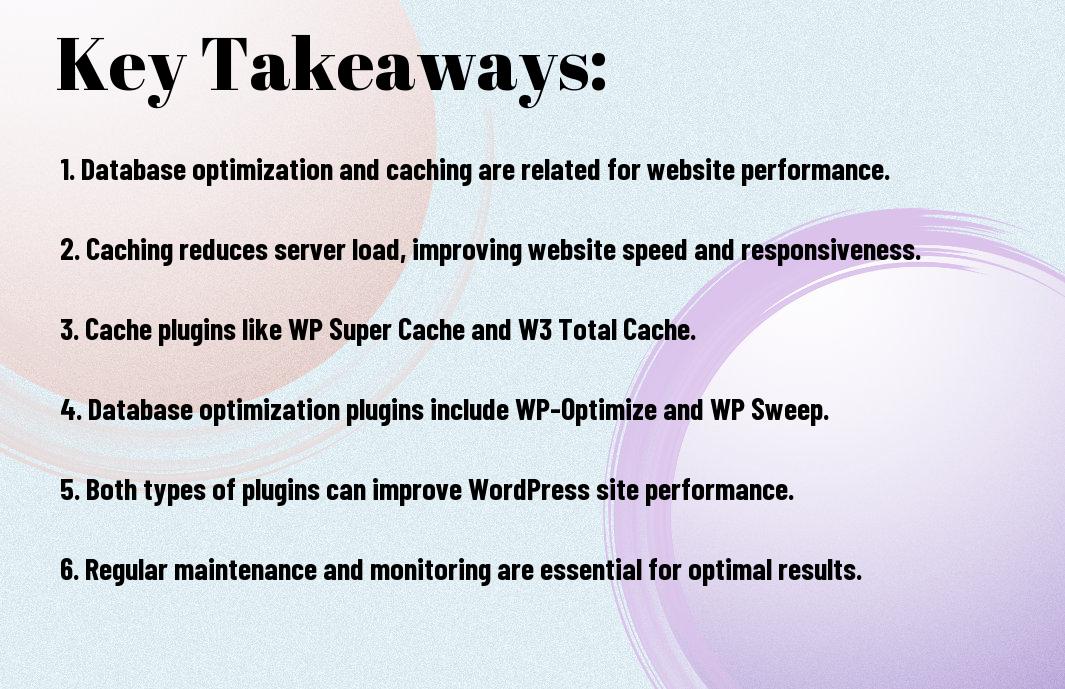
Key Takeaways:
- Database optimization and caching are related because both aim to improve a website’s performance. Database optimization involves reducing the size and improving the structure of a database, while caching involves storing frequently accessed data in a temporary storage area for quick access.
- WordPress plugins that manage both database optimization and caching include WP-Optimize, W3 Total Cache, and WP Rocket. These plugins can help improve website speed and performance by optimizing database queries and caching website content for faster loading times.
- It is essential to regularly optimize the database and implement caching to ensure an efficient and fast-performing website. By using the right plugins and regularly maintaining these processes, website owners can keep their sites running smoothly and provide a better user experience for visitors.
Understanding Database Optimization
The importance of database optimization should not be underestimated, especially for WordPress websites. Database optimization plays a crucial role in maintaining the performance and stability of your website.
What is Database Optimization?
Any website that uses a database (which includes pretty much all WordPress sites) needs to regularly optimize that database to ensure it runs efficiently. Database optimization involves cleaning up the unnecessary clutter and organizing the data in a WP Optimize vs WP Super Cache: Features and … streamlined manner, allowing for quicker access and retrieval of information.
Why Database Optimization is Crucial for WordPress Sites
To ensure your WordPress website runs smoothly and efficiently, database optimization is essential. A poorly optimized database can lead to slow page loading times, increased server load, and potential security vulnerabilities. It can also negatively impact user experience and SEO performance.
This is why it’s crucial to regularly optimize your WordPress website‘s database to maintain its performance, stability, and security. Without proper optimization, you risk losing visitors and harming your website’s reputation.
Exploring Caching Techniques
For all database optimization and caching needs, it’s imperative to have a clear understanding of the various caching techniques available. Caching is the process of storing frequently accessed data in a temporary storage area to reduce the load on the web server and improve overall performance. By exploring different caching techniques, website owners can make informed decisions on which methods are best suited for their WordPress sites.
Types of Caching Relevant to WordPress
On the subject of caching for WordPress, it’s essential to consider key caching techniques such as page caching, object caching, database query caching, and CDN caching. Page caching involves the storage of entire HTML pages to serve to users, while object caching focuses on storing PHP objects for quick retrieval. Database query caching optimizes the execution of database queries, and CDN caching involves storing site assets on a content delivery network for faster delivery to users. Recognizing the differences between these caching methods is crucial for effective implementation.
| Type of Caching | Description |
|---|---|
| Page Caching | Stores entire HTML pages for quick retrieval |
| Object Caching | Stores PHP objects to improve performance |
| Database Query Caching | Optimizes database query execution |
| CDN Caching | Stores site assets on a content delivery network |
Benefits of Implementing Caching Solutions
One of the main benefits of implementing caching solutions for a WordPress site is the improved site speed and performance. With caching in place, visitors can experience faster load times and a smoother browsing experience. Additionally, caching helps reduce the load on the web server, allowing for efficient resource utilization and the ability to handle higher traffic volumes. Overall, implementing caching solutions can lead to higher search engine rankings and improved user satisfaction.
Solutions that prioritize efficient caching techniques can lead to reduced bounce rates, increased conversions, and decreased server costs for WordPress site owners. By leveraging caching solutions, website performance can be optimized for a wide range of users, resulting in a positive impact on overall business objectives.
The Relationship Between Database Optimization and Caching
After delving into the world of database optimization and caching, it becomes clear that the two are closely related in the realm of website performance. Database optimization involves streamlining the database to improve its efficiency and reduce load times, while caching involves storing frequently accessed data to expedite the retrieval process. As such, WP-Optimize – Cache, Compress images, Minify & Clean … is one of the WordPress plugins that effectively manage both aspects.
How Database Optimization Complements Caching
To enhance website speed and performance, database optimization and caching go hand in hand. By optimizing the database, redundant or unused data is removed, reducing the workload on the server and making it easier to retrieve relevant information. Caching, on the other hand, stores frequently accessed data in a temporary location, reducing the need to repeatedly access the database. The combination of these two techniques can significantly improve website load times and overall performance.
Synergistic Effects on WordPress Performance
WordPress, being a popular content management system, greatly benefits from the synergistic effects of database optimization and caching. When these techniques are implemented effectively, WordPress websites can experience a significant boost in speed, resulting in improved user experience, higher search engine rankings, and increased conversion rates. Additionally, reducing server load through database optimization and caching can help in lowering hosting costs, making it a financially prudent strategy for website owners.
WordPress Plugins for Optimization and Caching
To ensure optimal performance of your website, it is crucial to utilize WordPress plugins that handle both optimization and caching. These plugins not only improve the speed and efficiency of your database, but also enhance the overall user experience for your visitors.
Review of Popular WordPress Optimization Plugins
Any website owner looking to optimize their database should consider using plugins such as WP-Optimize and WP Rocket. These powerful tools offer features such as database cleanup, image optimization, and page caching, which can significantly improve the speed and performance of a WordPress site.
Comparison of Top Caching Plugins for WordPress
An important aspect of website performance is caching, and there are several top caching plugins available for WordPress. Below is a comparison of two popular caching plugins: W3 Total Cache and WP Super Cache.
| W3 Total Cache | WP Super Cache |
| Offers advanced caching options for improved performance | Simple setup for quick caching |
| Integrates seamlessly with content delivery networks | Efficiently serves cached files to visitors |
Reviewing the features of these caching plugins can help website owners make an informed decision on which one best suits their needs.
Integrated Plugins that Manage Both Optimizations and Caching
Managing both database optimization and caching with integrated plugins is a convenient solution for website owners. These plugins, such as WP Rocket and W3 Total Cache, offer a comprehensive approach to improving website performance by handling both optimization and caching in a single package.
Plugins that integrate both optimizations and caching provide website owners with a streamlined solution for improving their website’s speed and performance. By utilizing these integrated plugins, website owners can effectively optimize their database and enhance caching capabilities for an improved user experience.

The Relationship Between Database Optimization and Caching in WordPress
The relationship between database optimization and caching in WordPress is clear: both strategies aim to improve the performance and speed of a website. Database optimization involves streamlining the database structure to reduce loading times, while caching involves temporarily storing data to make it quickly accessible. There are several WordPress plugins that manage both database optimization and caching, such as WP Rocket, W3 Total Cache, and WP Super Cache. These plugins enable users to implement both optimization and caching techniques in order to boost the overall performance of their WordPress websites. By utilizing these plugins, website owners can ensure a seamless user experience and improved search engine rankings.
FAQ
Q: Are database optimization and caching related?
A: Yes, database optimization and caching are related. Database optimization involves organizing and structuring data in a way that makes reading and writing data more efficient. Caching, on the other hand, involves storing frequently accessed data in a temporary storage area to reduce the need for repeated access to the original source. Both processes aim to improve the performance of a website by reducing the load on the server and speeding up data retrieval.
Q: Which WordPress plugins manage both database optimization and caching?
A: Some popular WordPress plugins that manage both database optimization and caching include WP Rocket, W3 Total Cache, and WP Super Cache. These plugins offer features such as minification of CSS and JavaScript files, browser caching, database cleanup, and page caching to improve website performance.
Q: How does database optimization improve website performance?
A: Database optimization improves website performance by reducing the load on the server and speeding up data retrieval. By organizing and structuring data efficiently, database optimization ensures that data can be read and written more quickly, leading to faster page load times and improved overall website performance.
Q: What is caching and how does it improve website performance?
A: Caching involves storing frequently accessed data in a temporary storage area to reduce the need for repeated access to the original source. This can include storing static HTML files or caching database query results. By serving up cached content instead of repeatedly accessing the original source, caching reduces server load and speeds up content delivery, resulting in improved website performance.
Q: Can database optimization and caching be done without using plugins?
A: Yes, database optimization and caching can be done without using plugins by implementing manual optimization techniques and making use of server-side caching solutions. However, using plugins can streamline the process and make it easier for website owners to manage and maintain database optimization and caching without delving into technical details.