
Obtaining optimal mobile page speed is crucial for the success of your website in the competitive online space. As more and more users are accessing websites through their mobile devices, it has become imperative for website owners to prioritize mobile page speed. One of the most effective tools in improving mobile page speed is the use of WordPress cache plugins. These plugins are designed to enhance the performance of your website by reducing load times and optimizing the user experience on mobile devices. In this blog post, we will explore how WordPress cache plugins work to improve mobile page speed and why they are an essential tool for website owners to utilize in today’s digital landscape.
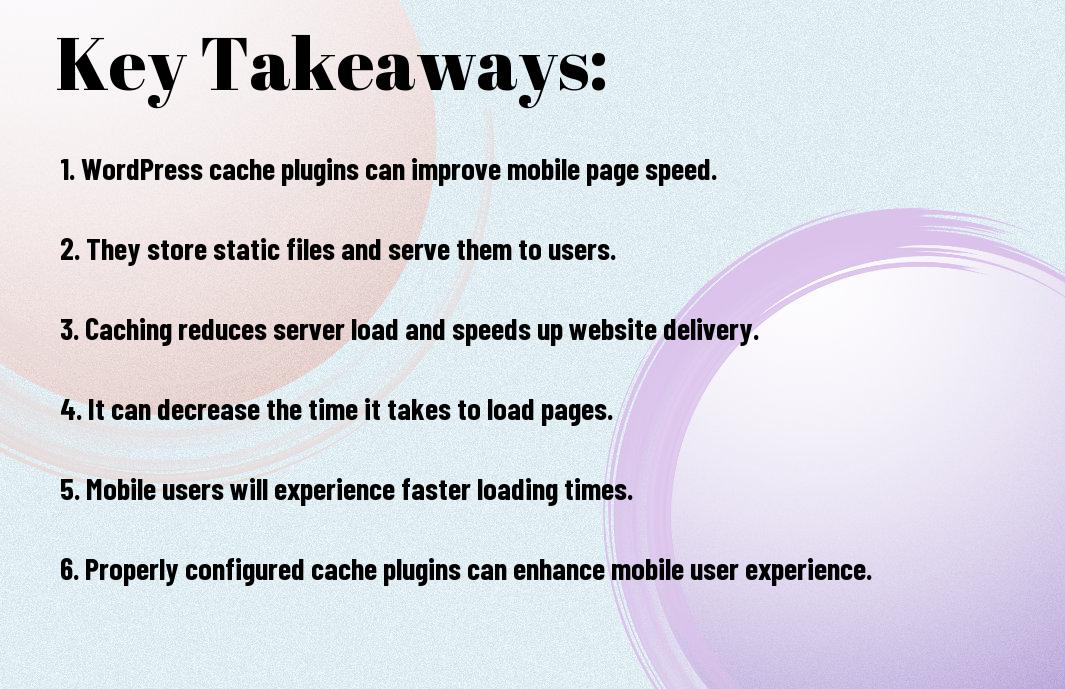
Key Takeaways:
- WordPress cache plugins can significantly improve mobile page speed by caching and compressing resources, reducing server response time, and minimizing the amount of data that needs to be transferred to the user’s mobile device.
- These plugins achieve this by creating static HTML versions of dynamic pages, leveraging browser caching, optimizing images, and implementing other performance-enhancing techniques.
- By implementing a WordPress cache plugin and configuring it to suit your specific needs, you can effectively boost the mobile page speed of your WordPress site, improve user experience, and potentially achieve better search engine rankings.
Understanding Caching
Obviously, caching plays a crucial role in improving mobile page speed. If you want to learn more about how caching can help with mobile page speed, check out Mobile WordPress Speed: 19 Ways To Get Better Scores.
What is Caching?
Understanding caching is essential for optimizing mobile page speed. Caching is the process of storing frequently accessed data in a temporary storage area to reduce the time it takes to retrieve that data. In the context of website performance, caching refers to the temporary storage of web pages, images, and other components to improve load times and user experience.
How Caching Works with WordPress
For WordPress websites, caching plugins are used to create and serve cached versions of web pages to reduce server load and improve performance for website visitors. These plugins generate static HTML files from dynamic WordPress pages and serve those files to users, minimizing the need for the server to generate the page each time it’s requested.
A caching plugin for WordPress can significantly improve mobile page speed by minimizing server response time and reducing the amount of data transferred to mobile devices.
Cache Plugins and Mobile Optimization
After recognizing the importance of mobile page speed in today’s digital age, many WordPress website owners are turning to cache plugins to help improve their mobile site performance. But can cache plugins really make a difference when it comes to mobile optimization?
When it comes to optimizing a WordPress website for mobile devices, the role of cache plugins cannot be overstated. These plugins play a crucial role in improving the mobile responsiveness of a website, ultimately leading to a better user experience for mobile visitors. How to speed up the mobile version of a WordPress website?
Role of Cache Plugins in Mobile Responsiveness
Responsiveness is key to providing a seamless mobile browsing experience. Cache plugins help to reduce the load time of a website, which is crucial for mobile users who may have slower internet connections. By caching static files and optimizing resources, cache plugins ensure that mobile users can access content quickly and effortlessly.
Furthermore, cache plugins also help in minimizing the server load, which is essential for handling increased traffic from mobile users. This can lead to a more efficient and responsive website for all visitors, regardless of their device.
Best Practices for Configuring Cache Plugins for Mobile Users
Optimization of cache plugins for mobile users is essential for ensuring a smooth browsing experience. Configuring the cache plugins to cater specifically to mobile users can make a significant difference in the speed and performance of the website. It’s important to implement best practices for configuring cache plugins to ensure the best possible experience for mobile users.
Configuring cache plugins for mobile users involves optimizing cache settings, enabling mobile-specific caching options, and implementing techniques to minimize the amount of data transferred to mobile devices. By following these best practices, website owners can ensure that their mobile users experience fast load times and smooth navigation, ultimately leading to improved user satisfaction and engagement.
Evaluating Cache Plugin Options
For bloggers and website owners looking to improve mobile page speed, choosing the right cache plugin is crucial. With so many options available, it’s important to carefully evaluate each plugin to determine which one is the best fit for your specific needs.
Popular WordPress Cache Plugins
For those considering cache plugins, it’s important to weigh the pros and cons of the most popular options available. Products such as WP Super Cache, W3 Total Cache, and WP Rocket are often favored by website owners for their ability to improve page speed and user experience. However, it’s important to consider each plugin’s compatibility with mobile devices, its ease of use, and its impact on overall website performance.
Comparing Performance and Features
Plugin performance and features can vary widely, so it’s important to carefully compare the options available. In the table below, the performance and features of WP Super Cache, W3 Total Cache, and WP Rocket are compared to help you make an informed decision.
| Plugin | Performance and Features |
| WP Super Cache | Fast caching, easy configuration, limited mobile optimization |
| W3 Total Cache | Comprehensive caching options, mobile optimization, complex setup |
| WP Rocket | Intuitive interface, extensive features, premium pricing |
Plugins such as WP Super Cache, W3 Total Cache, and WP Rocket offer unique features and performance capabilities that can greatly impact mobile page speed. It’s important to carefully consider the specific needs of your website and choose a plugin that aligns with those needs. By comparing the performance and features of each option, website owners can make an informed decision to enhance their mobile page speed and overall user experience.

Implementation and Monitoring
Not only do WordPress cache plugins help improve mobile page speed, but their implementation and monitoring are crucial for ensuring that the desired results are achieved. It is essential to follow best practices and regularly monitor the impact of these plugins on your mobile page speed.
Steps to Install and Configure Cache Plugins
Implementation of cache plugins is a straightforward process. After installing the chosen cache plugin, such as W3 Total Cache or WP Super Cache, configure the settings according to your website’s requirements. This may include enabling page caching, minification of CSS and JavaScript, and configuring browser caching. Regularly update the plugin and monitor its impact on mobile page speed to ensure optimal performance.
Monitoring and Measuring Mobile Page Speed Improvements
Any improvements in mobile page speed resulting from cache plugin implementation need to be closely monitored and measured. Install tools such as Google PageSpeed Insights or GTmetrix to regularly analyze the mobile page speed and identify any potential areas for improvement. 8 Ways to Increase WordPress Site Speed on Mobile (90+ …
By implementing and regularly monitoring cache plugins, website owners can significantly improve mobile page speed, leading to positive impacts on user experience and increased website engagement. However, failure to properly configure or monitor cache plugins can lead to dangerous issues such as broken website functionality or performance degradation.
Can WordPress Cache Plugins Help with Mobile Page Speed, and How?
Upon reflecting on the topic, it is clear that WordPress cache plugins can indeed help with improving mobile page speed. By utilizing caching techniques such as storing frequently accessed data and resources, these plugins can reduce the load time for mobile users. Additionally, they can also optimize and compress files, minimizing the amount of data that needs to be transferred, further enhancing mobile page speed. With the ever-increasing number of mobile users, it is essential for website owners to prioritize mobile page speed, and utilizing WordPress cache plugins is a valuable tool in achieving this goal.
FAQ
Q: Can WordPress Cache Plugins Help with Mobile Page Speed?
A: Yes, WordPress cache plugins can significantly improve mobile page speed by storing a static version of your website’s content and delivering it to visitors without having to retrieve it from the server again.
Q: How do WordPress Cache Plugins Improve Mobile Page Speed?
A: WordPress cache plugins work by creating a static version of your website’s pages and images, which reduces the server load and makes your site load faster on mobile devices.
Q: Are WordPress Cache Plugins Effective for Mobile Optimization?
A: Yes, WordPress cache plugins are effective for mobile optimization as they reduce the load time, improve user experience, and positively impact mobile search rankings.
Q: What are the Best WordPress Cache Plugins for Mobile Page Speed?
A: Some of the best WordPress cache plugins for mobile page speed are W3 Total Cache, WP Super Cache, and WP Rocket. These plugins offer a range of features to optimize your website for mobile devices.
Q: How Can I Maximize the Benefits of Using WordPress Cache Plugins for Mobile Page Speed?
A: To maximize the benefits of using WordPress cache plugins for mobile page speed, you can also optimize your images for mobile, utilize responsive design, and minify your website’s CSS and JavaScript to further enhance mobile performance.