
Object caching is a fundamental concept in the world of WordPress caching, yet it is often overlooked or misunderstood by many website owners and developers. In simple terms, object caching is a method of storing database query results in memory for faster retrieval. As a result, it can significantly improve the performance and speed of your WordPress website. However, not all cache plugins support object caching, which can make it challenging for WordPress users to take advantage of this powerful feature. In this blog post, we will delve into the details of object caching and explore which WordPress cache plugins support it, so you can make an informed decision for your website’s caching needs.
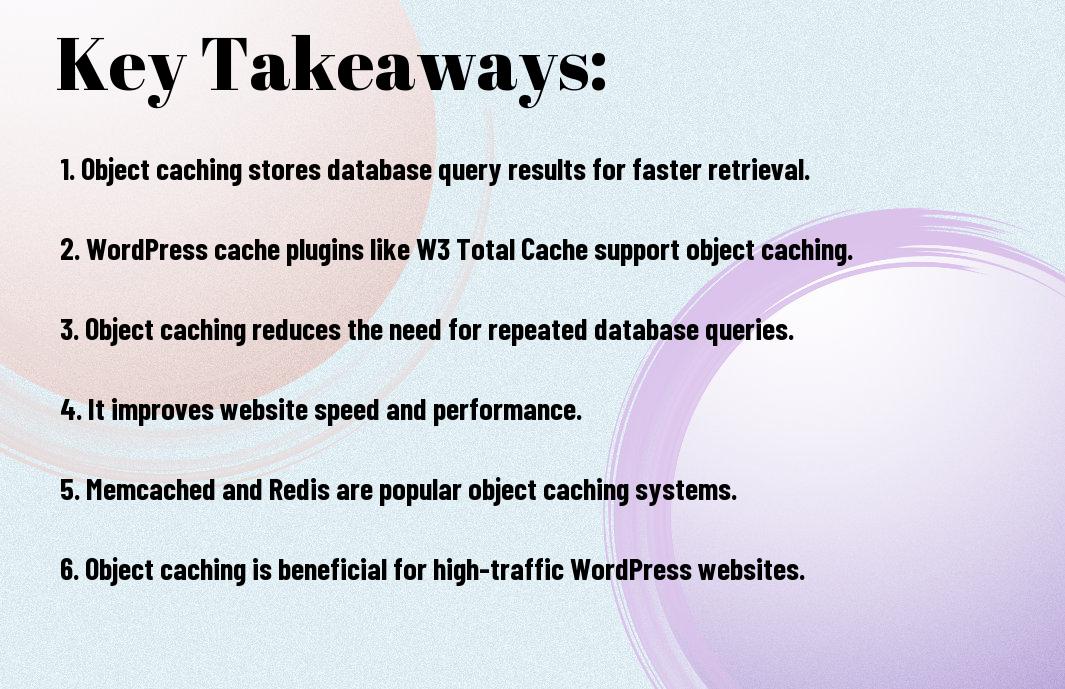
Key Takeaways:
- Object caching is a method of storing data in the server’s memory for quicker access, reducing the need to query the database repeatedly.
- Not all WordPress cache plugins support object caching, so it’s important to research and choose a plugin that does if you want to take advantage of this feature.
- Object caching can significantly improve a website’s performance by reducing server load and decreasing page load times, ultimately improving the user experience.

Understanding WordPress Caching
Obviously, caching is a crucial aspect of optimizing the performance of your WordPress website. When a user visits your site, the server has to generate the page content, query the database, and execute code before serving the page to the user. This process can slow down your website, especially during periods of high traffic. Object Cache – Plugins play a vital role in alleviating this issue by storing frequently accessed data in memory, making it readily available for future requests.
Types of Caching Mechanisms
Understanding the different types of caching mechanisms is essential for optimizing your WordPress website’s performance. There are various caching mechanisms available, including Page Caching, Object Caching, and Database Query Caching. Each mechanism serves a specific purpose in enhancing your website’s speed and efficiency. Perceiving the differences between these caching mechanisms can help you implement the right caching strategy for your WordPress site.
- Page Caching: Store static HTML files of your website’s pages to serve to visitors.
- Object Caching: Store database query results and other objects in memory for quick retrieval.
- Database Query Caching: Cache the results of database queries to minimize server load and decrease page load times.
- Content Delivery Network (CDN) Caching: Distribute your website’s static assets across multiple servers geographically, reducing latency for visitors from different locations.
- Opcode Caching: Store PHP code in the server’s memory to avoid recompiling it for each request.
How Object Caching Works with WordPress
WordPress utilizes the object caching mechanism to store database query results, reducing the need to repeatedly query the database for the same data. When a visitor accesses a page on your WordPress site, the data retrieved from the database is stored in the object cache. The next time the same data is required, WordPress retrieves it from the object cache rather than querying the database again, resulting in faster page load times.
This caching mechanism is especially beneficial for websites that have a high volume of traffic and dynamic content updates. By caching database query results, WordPress can efficiently handle simultaneous requests from multiple visitors without overwhelming the server with database queries, ultimately improving the website’s performance and user experience.
Top WordPress Cache Plugins with Object Caching Support
After researching the different cache plugins available for WordPress, we have compiled a list of the top plugins that support object caching. Object caching is a crucial feature for improving the performance and speed of your WordPress site by storing database queries and responses in the server’s memory. This can significantly reduce the load on the server and improve the overall user experience on your site. For more information on object caching, you can refer to the WP_Object_Cache – Class – WordPress Developer Resources.
WP Super Cache and Object Caching
Cache plugins like WP Super Cache offer robust support for object caching, allowing you to store database queries and responses in the server’s memory for quick retrieval. By enabling object caching in WP Super Cache, you can greatly improve the performance of your site and reduce the load on the server.
W3 Total Cache Explained
Object caching in W3 Total Cache provides a powerful way to speed up your WordPress site by storing database queries and responses in the server’s memory. By implementing object caching, you can reduce the need to constantly query the database, resulting in faster load times and improved performance for your site.
Support: W3 Total Cache provides extensive support for object caching, making it an essential tool for improving the speed and performance of your WordPress site. By leveraging object caching, you can reduce the load on your server and provide a better user experience for your visitors.
WP Rocket’s Approach to Object Caching
Support: WP Rocket takes a comprehensive approach to object caching, offering robust support for storing database queries and responses in the server’s memory. By implementing object caching with WP Rocket, you can significantly improve the speed and performance of your WordPress site, providing a better overall experience for your users.
Total: WP Rocket’s emphasis on object caching makes it a top choice for improving the performance of your WordPress site. By utilizing object caching, you can reduce the load on your server and provide a faster, more efficient experience for your site visitors.
Implementing Object Caching in WordPress
For the optimal performance of your WordPress site, implementing object caching is crucial. Object caching allows frequently accessed data, such as database queries and remote API responses, to be stored in memory for quick retrieval. This can significantly reduce the load on your server and improve the overall speed and responsiveness of your site.
Basic Setup and Configuration
With a wide range of WordPress cache plugins available, implementing object caching is relatively straightforward. However, it is essential to ensure that your server environment supports object caching. Once confirmed, you can enable object caching through your chosen cache plugin’s settings, typically by selecting the option to use an object cache backend.
Best Practices for Maximum Performance
Any WordPress site aiming for maximum performance should consider implementing object caching along with other caching mechanisms, such as page caching and browser caching. Additionally, optimizing your WordPress theme and plugins can help reduce the number of database queries and remote API requests, further enhancing the benefits of object caching.
Object caching can greatly improve the speed and performance of your WordPress site, but it is important to regularly monitor and manage the cached objects to prevent potential cache bloat and ensure that your site remains efficient and effective.
To wrap up
In conclusion, object caching is an important aspect of improving the performance and speed of your WordPress website. By storing database queries, API calls, and other expensive operations in memory, you can significantly reduce the load on your server and speed up the rendering of your pages. Many WordPress cache plugins support object caching, including popular options like W3 Total Cache, WP Rocket, and others. By utilizing object caching in conjunction with other caching mechanisms, you can ensure that your website loads quickly and efficiently for your visitors, ultimately improving user experience and potentially boosting your search engine rankings.
FAQ
Q: What is object caching?
A: Object caching is a method of storing database query results, API calls, and other computationally expensive operations in memory for faster retrieval. This can greatly improve the performance of a website by reducing the need to repeatedly process the same data.
Q: Why is object caching important for WordPress?
A: Object caching is important for WordPress because it can significantly reduce the load on the server and speed up the delivery of dynamic content. This is especially crucial for high-traffic websites or those with complex database queries and API integrations.
Q: Which WordPress cache plugins support object caching?
A: There are several WordPress cache plugins that support object caching, including W3 Total Cache, WP Rocket, and Redis Object Cache. These plugins allow users to enable object caching and configure it to work with their specific server environment.
Q: How does object caching work with WordPress cache plugins?
A: WordPress cache plugins integrate with object caching by providing a user-friendly interface for enabling and managing object caching settings. The plugins handle the implementation details, such as connecting to a caching server or managing the storage of cached objects in memory.
Q: Are there any considerations or potential drawbacks to using object caching with WordPress?
A: While object caching can greatly improve performance, it’s important to carefully configure and monitor it. Improperly configured object caching can lead to stale or outdated data being served to users. Additionally, not all hosting environments are compatible with object caching, so it’s important to ensure that your server supports the necessary caching technology.